
Runthecrypts.
Stackthetroops.
Countthechests.
Crypts, handled.
While you sleep.
Crypto runs your crypt routine on autopilot: Watchtower, target selection, captains, speedups. Set it once and take your evenings back.
- Watchtower scan3 crypts sighted
- Tier filterkeep T4+ · 1 match
- Captain dispatchedmarch 4m 20s
- Speedup appliedmarch 40s
- Crypt clearedloot logged
Interface preview · condensed timing
- Hands-off Watchtower routine
- Filter to the crypt tiers you actually want
- Speedups applied each cycle
- Up to 3 captains in parallel
- Activity log of every action taken
- Resume after any pause or reboot
Third-party desktop tool. Your account, your decision. Safety notes →
Preview only. The calculator runs with your live values.
The strongest stack, from your own numbers.
The troops stacker that computes from your configuration: your bonuses, your tiers, your target. Already trusted in the browser at troop.tbcounter.com, built into the app.
- Your own configuration, not generic presets.
- Doomsday and garrison targets covered.
- A composition you can use immediately.
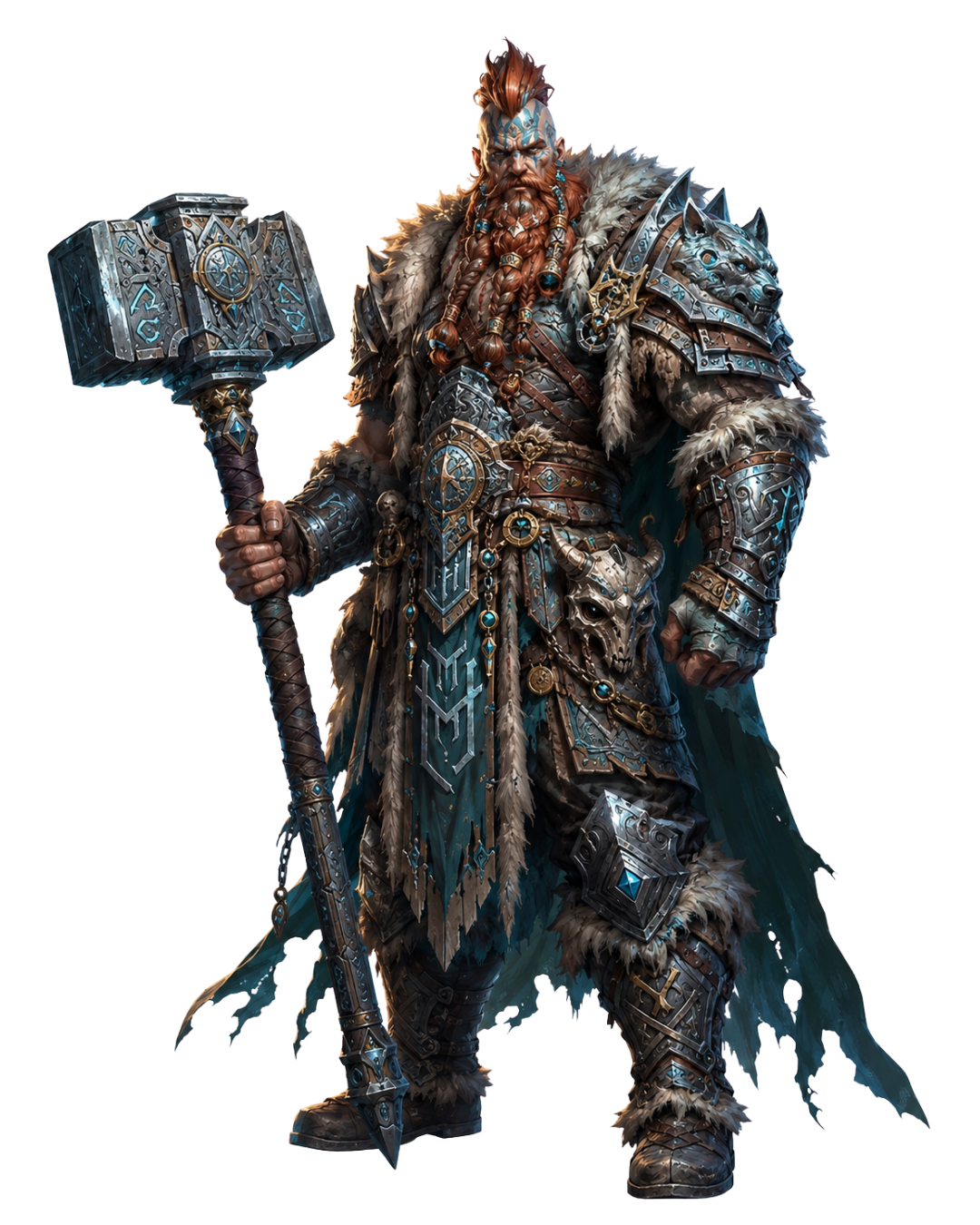
Every chest you earn, counted.
If your clan runs on the TBCounter Chest Manager service, the app shows your personal chest stats and your clan’s totals, live.
- Your personal chest count, always current
- Clan totals and rankings, live
- Event history at a glance
- No screenshots, no spreadsheets
Member view · In the app
For clan leaders
One subscription. Everything included.
The whole app for $19/mo, with the first 7 days free.
All three tools. One price.
- CryptoThe crypt explorer. Scans, dispatches captains, applies speedups, and logs the loot on autopilot.
- StackHQThe troops stacker. Builds the strongest stack from your own configuration, not generic presets.
- Chest Manager (for clans using TBCounter)Your personal and clan chest stats, live in the app, when your clan runs on Chest Manager.
- 7-day free trial, full access
- Cancel anytime, no fee
All three tools included · Cancel anytime
The questions players ask first.
Maintained by the TBCounter team
See pricingTBCounter is one Windows app with three tools for Total Battle: Crypto (an automated crypt explorer), StackHQ (a troops stacker built around your own configuration), and Chest Manager (your personal and clan chest stats). One $19/month subscription covers all three, with a 7-day free trial.
No. TBCounter is independent and is not affiliated with, endorsed by, or approved by Scorewarrior or Total Battle. It is built and maintained by players, for players.
A Windows PC running Total Battle. The app installs like any Windows program, and the supported Windows versions and screen resolutions are published in the setup guide. StackHQ is also available in any browser at troop.tbcounter.com.
Yes. Every subscription starts with a 7-day free trial that unlocks all three tools. Cancel before the trial ends and you are not charged.
All TBCounter FAQ questions
About the app
- What is TBCounter?
- TBCounter is one Windows app with three tools for Total Battle: Crypto (an automated crypt explorer), StackHQ (a troops stacker built around your own configuration), and Chest Manager (your personal and clan chest stats). One $19/month subscription covers all three, with a 7-day free trial.
- Is TBCounter affiliated with Scorewarrior or Total Battle?
- No. TBCounter is independent and is not affiliated with, endorsed by, or approved by Scorewarrior or Total Battle. It is built and maintained by players, for players.
- What do I need to run TBCounter?
- A Windows PC running Total Battle. The app installs like any Windows program, and the supported Windows versions and screen resolutions are published in the setup guide. StackHQ is also available in any browser at troop.tbcounter.com.
- Is TBCounter free to try?
- Yes. Every subscription starts with a 7-day free trial that unlocks all three tools. Cancel before the trial ends and you are not charged.
Pricing & Trial
- How much does TBCounter cost?
- TBCounter is $19 per month. One subscription includes all three tools: Crypto, StackHQ, and Chest Manager. There are no tiers and no per-tool pricing.
- How does the 7-day free trial work?
- You get full access to the app for 7 days before billing begins. Billing terms and the cancellation process are shown before you start. Cancel any time during the trial and you are not charged.
- How do I cancel my subscription?
- Cancel at any time from the billing page linked in your account email. Cancellation takes effect at the end of the current billing month, so you keep access until the period ends. There is no cancellation fee.
- Does TBCounter offer refunds?
- The 7-day free trial is the primary evaluation window. Outside the trial, refund requests are reviewed case by case through the contact form in the footer. The full policy is on the Terms page.
Crypto
- What does Crypto do?
- Crypto runs your crypt routine hands-off: it scans the Watchtower, filters crypts to the tiers you want, dispatches captains, applies speedups, and logs every action. You set it once and it keeps running while you do anything else.
- Does Crypto carry account risk?
- Crypto is an independent third-party tool that automates in-game actions, and it may carry account risk. You are responsible for reading the game terms and deciding whether to use it. The risk notes are published before you subscribe.
- What happens when Total Battle updates?
- When a game update changes the crypt interface, Crypto pauses the affected routine and shows an update banner. Patched versions ship to active subscribers at no extra cost.
- Can I see Crypto run before subscribing?
- Yes. The Crypto section on the homepage shows the routine step by step, and the 7-day free trial lets you run it on your own setup before billing begins.
StackHQ
- What does StackHQ do?
- It computes your troop stack from your own configuration: your bonuses, your troop tiers, and your target. You enter the values visible in your game, and it returns a composition you can use immediately.
- Is this the same calculator as troop.tbcounter.com?
- Yes. StackHQ is publicly available in the browser at troop.tbcounter.com, and the same stacker is built into the TBCounter app as one of its three tools.
- How accurate is the output?
- The calculator reflects your inputs and the visible game values. It helps planning; it does not guarantee battle outcome, zero losses, or perfect results, because your inputs and game changes affect the actual result.
Chest Manager
- What does the Chest Manager tab show me?
- If your clan runs on the TBCounter Chest Manager service, the app shows your personal chest counts, your clan's totals, and rankings, updated automatically. No screenshots and no spreadsheets.
- My clan doesn't use Chest Manager. Can I still use the tab?
- The Chest Manager tab needs your clan on the service, so ask your clan leadership. Clan leaders can see how it works, what it costs, and start it on the Chest Manager for clans page.
- How does a clan get Chest Manager?
- A clan leader starts it from the Chest Manager for clans page. It is $79 per month for the clan. You answer a few questions about your clan, pay, and we set the service up for you. A walkthrough first is available if you would rather see it before deciding.
- Does Chest Manager cost me extra as a member?
- No. The member view in the app is part of your $19/month TBCounter subscription. The clan-side service is arranged separately with clan leadership.
07 / Start
The whole app.
Free for 7 days.
Then only $19 a month.
Independent · Not affiliated with Scorewarrior or Total Battle