 Crypto
 StackHQ
 Chest Manager
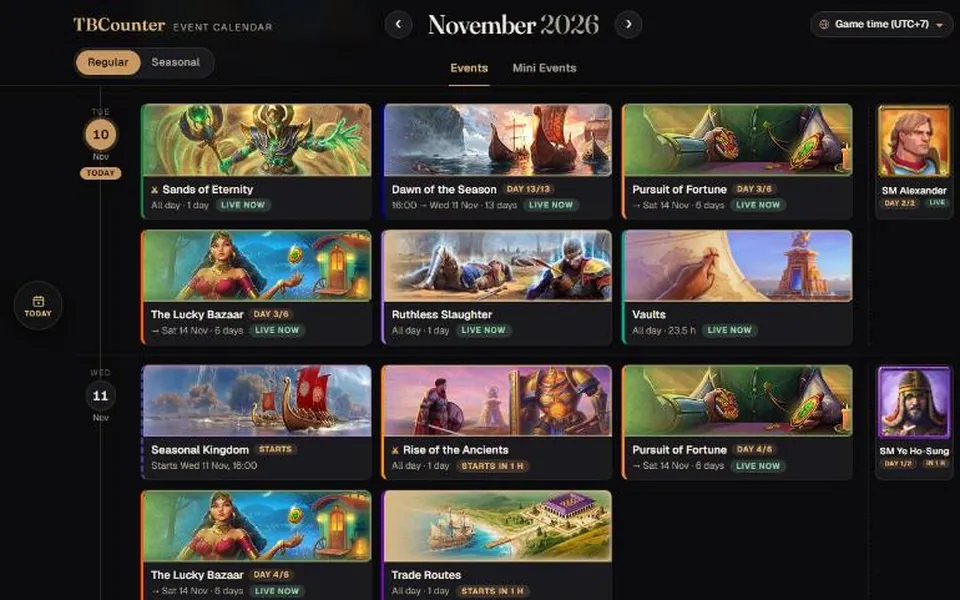
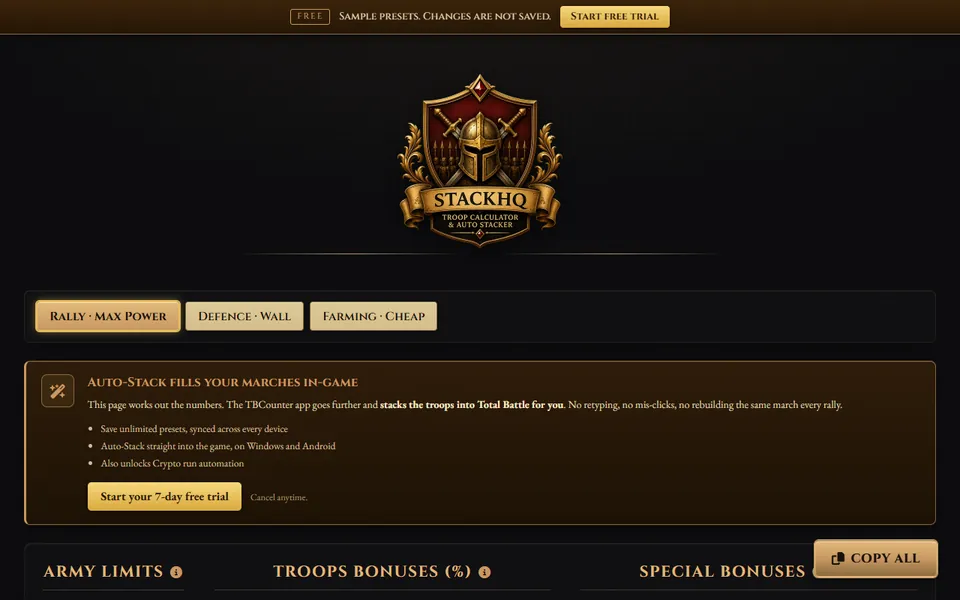
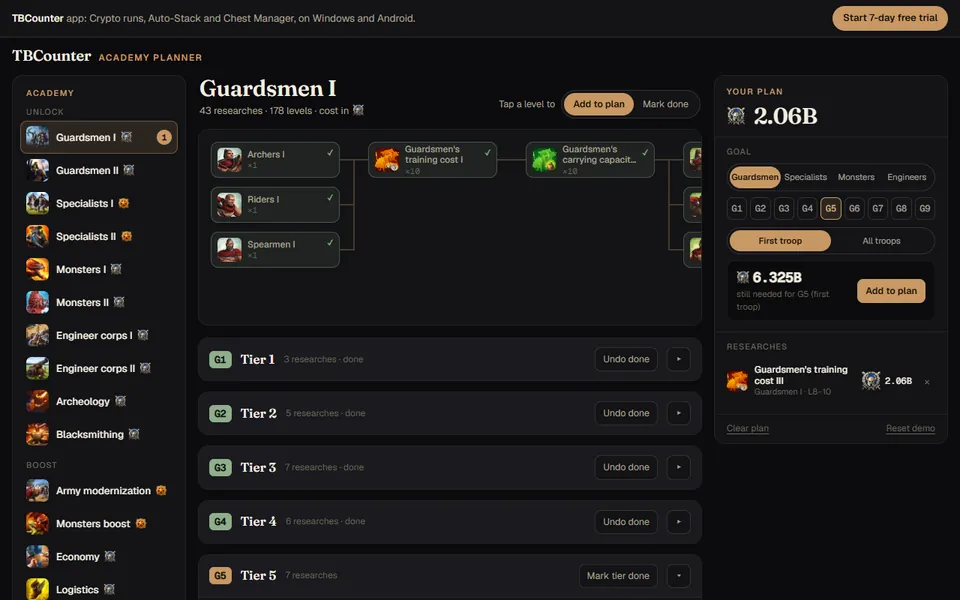

StackHQ builds your stack and puts it in the game.
Enter your bonuses once. StackHQ works out the best troop numbers for the battle in front of you, types them into the game, and clears your Temple when it is over.


Troop Calculator: the best numbers from your own bonuses
The calculator works from your account, not from a generic table. Three steps take you from your bonuses to a full stack.
Set your bonuses
Enter the strength and health bonuses of your troops, as the game shows them. You do it once and save it as a preset. The video walks through every field.
About 2 minutesStackHQ: setting up the bonusesChoose what you send and what you fight
Pick your troop tiers, your monsters and your mercenaries, and say what you are attacking.
- Epic Monsters with 4 squads: Doomsday, Basilisk, Briareus
- Arachne with 8 squads
- Leadership, Dominance and Authority, each with its own limit
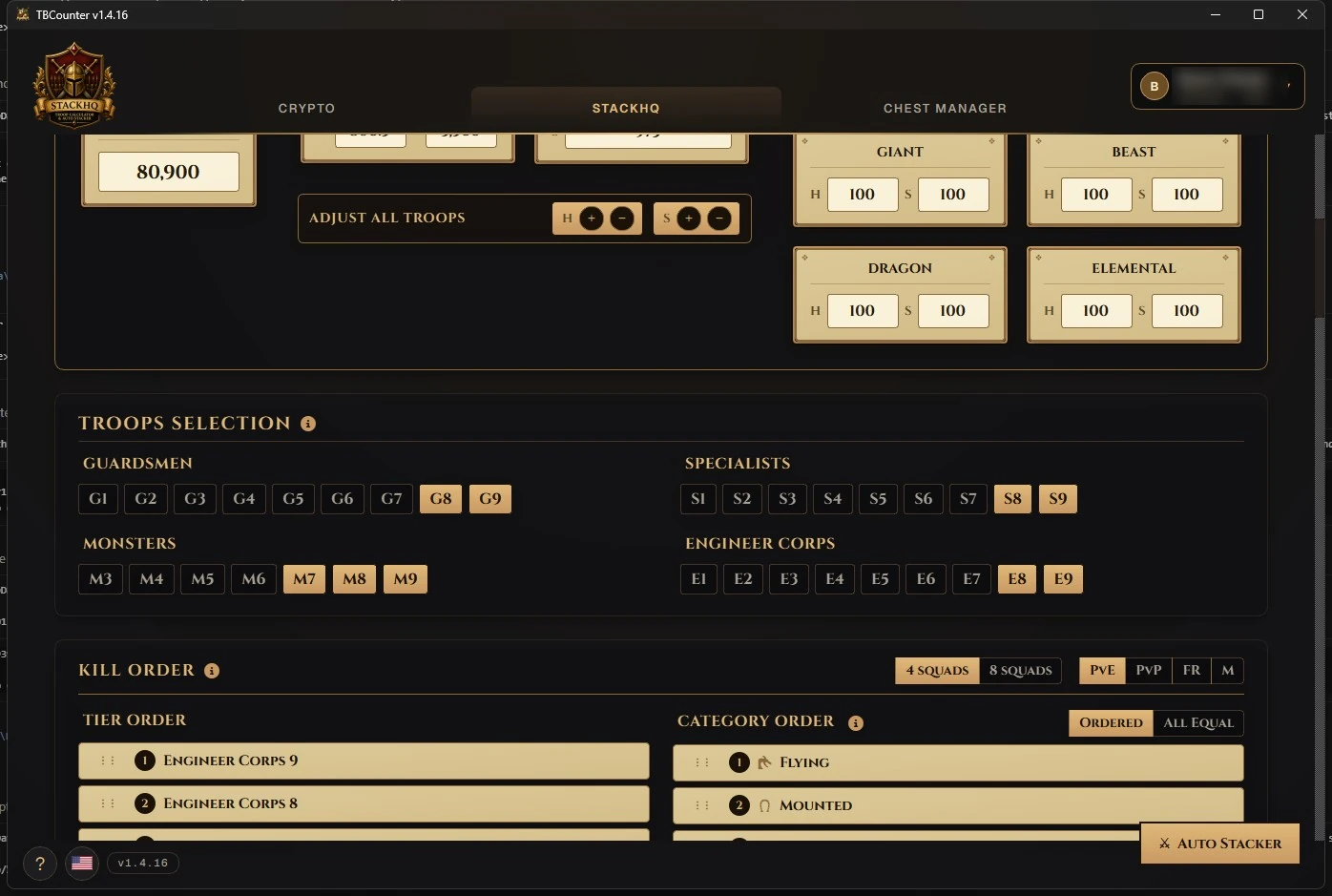
Read your stack
StackHQ shows the exact count for every troop, the order they die in, and the damage to expect. One button copies the counts for a message to your clan.
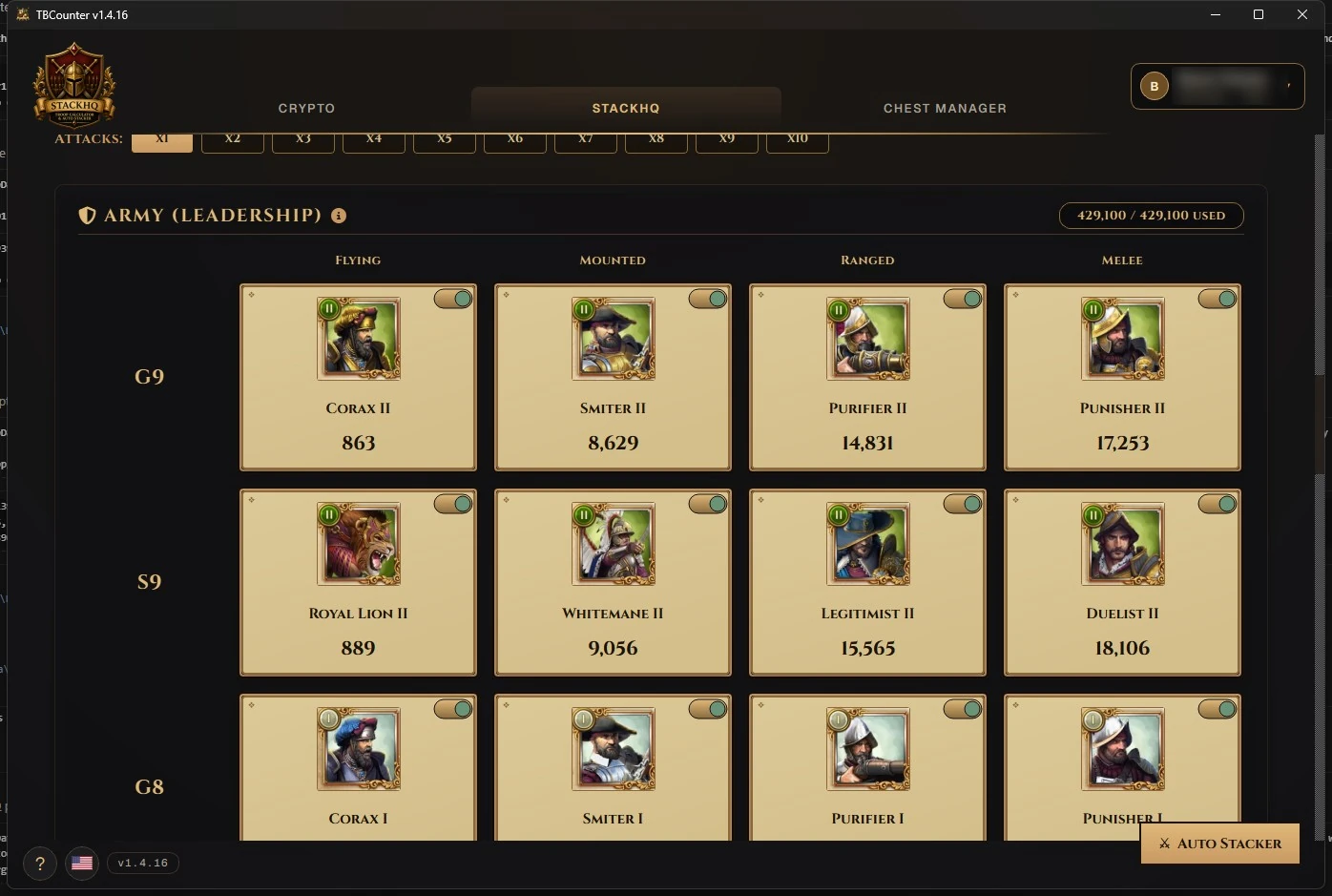
Work out your next stack with your own bonuses
$19 a month after the trial. One subscription for your PC and your phone. Cancel during the trial and you pay nothing.
Auto Stacker: the troops go into the game for you
A full stack can be thirty or more numbers to type. Auto Stacker types them.
Open the march in the game
Go to the monster or the battle as you always do, and open the screen where you choose your troops.
Picture from the gameThe game's troop selection screenPress Auto Stacker
StackHQ finds each troop on the screen and enters its count from your calculation. You check the march and send it.
Picture of the appAuto Stacker filling the counts in the game
Kill Troops: your Temple, cleared
After a battle the Temple fills with squads. Kill Troops removes every one of them for you, squad by squad, so you do not click through the list yourself.
One button, the whole Temple
Open the Temple, press Kill Troops, and StackHQ works down the list until it is empty.
Picture of the appKill Troops working through the Temple
On your PC and your phone
The same StackHQ runs in the Windows app and in the Android app. On the phone it floats over the game: open the march, then Auto Stack. Open the Temple, then Kill Troops.
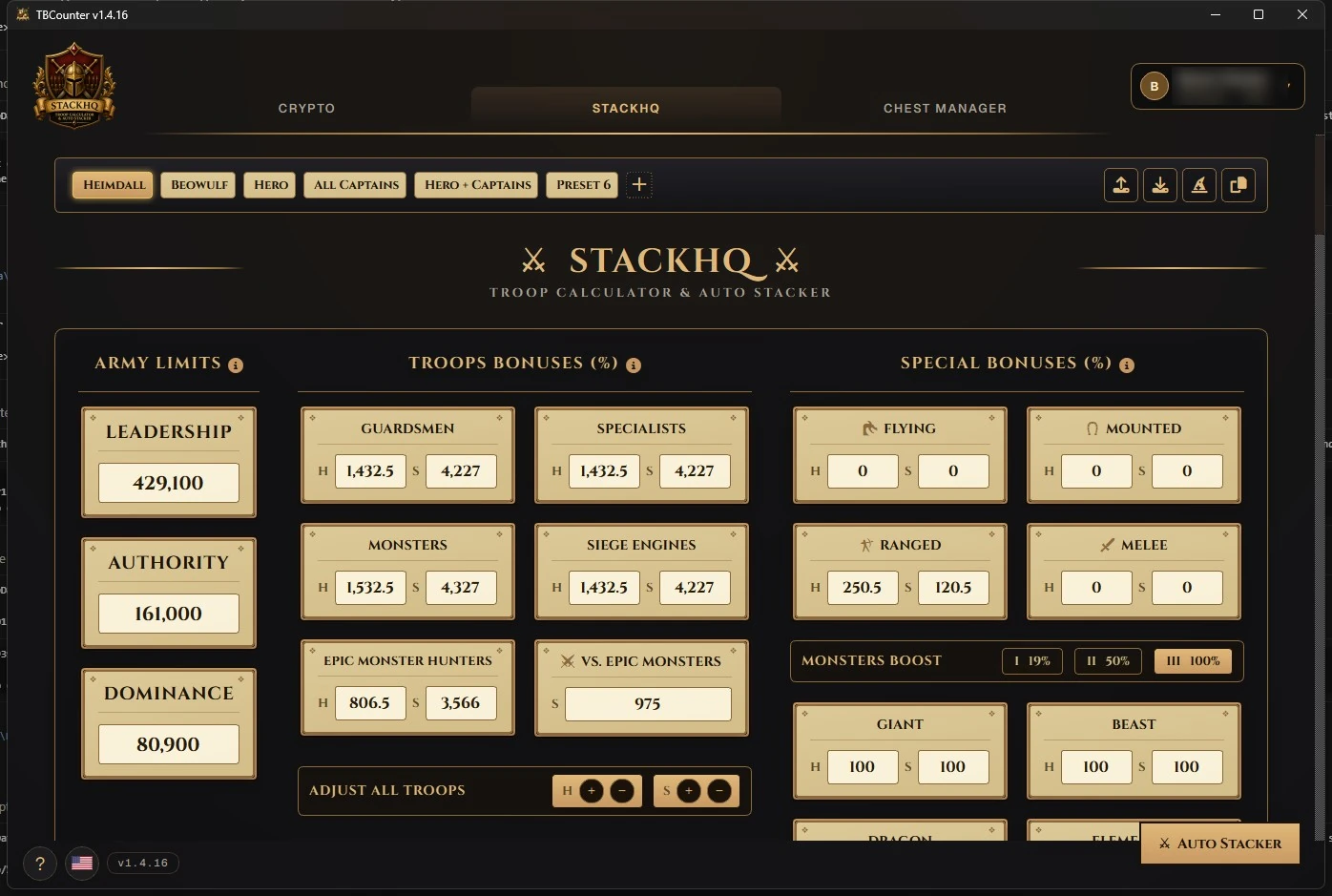
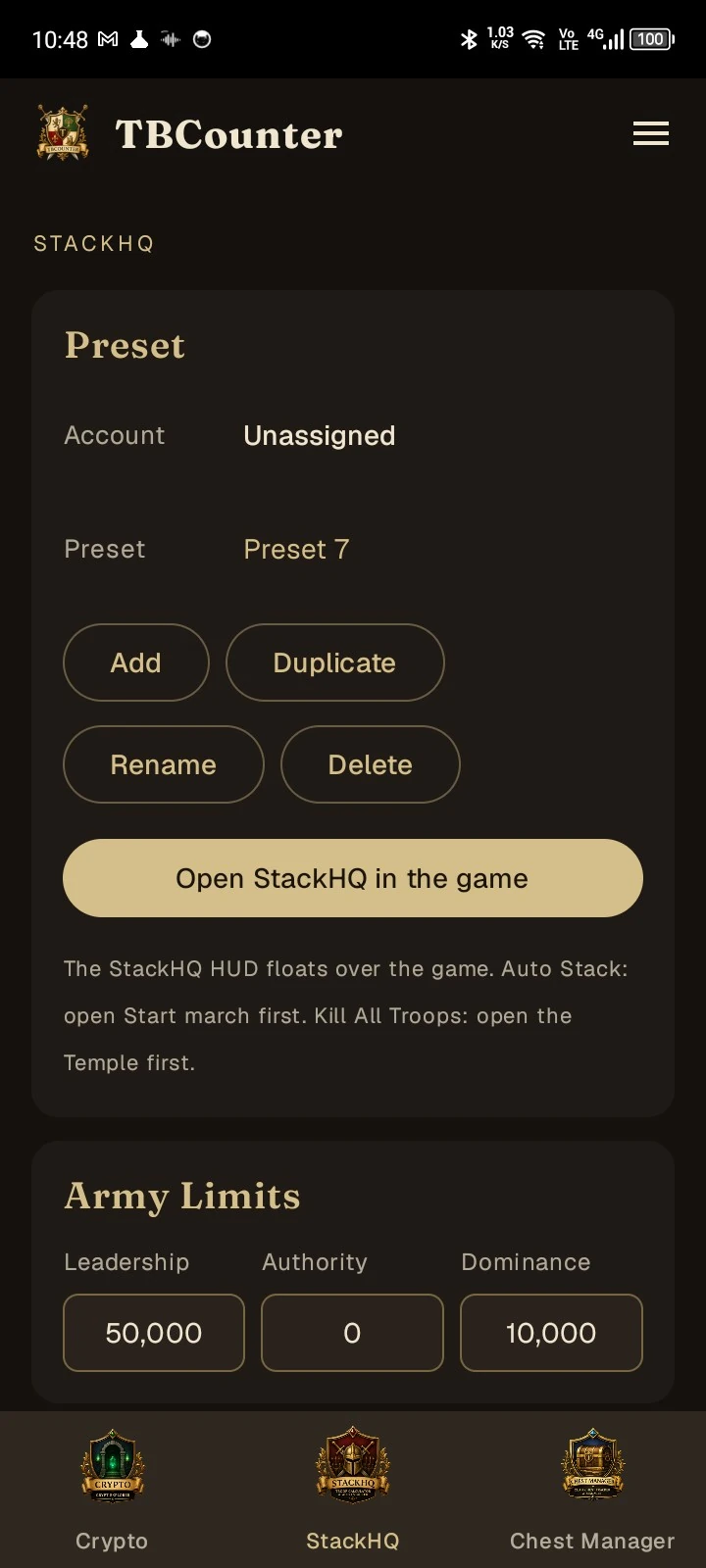
Presets that follow you
Save a setup
Keep one preset for each kind of battle. A guided wizard builds your first one with you.
PC, phone and browser
Your presets sync between the Windows app, the Android app and the browser version.
A planning tool
The calculator helps planning. It does not guarantee battle outcome, zero losses, or perfect results. Your inputs, game changes, and battle conditions can affect the result.
More answers are on the FAQ page. A free, read-only Troop Calculator is open to everyone.
StackHQ is part of the TBCounter app
$19 a month after a 7-day free trial. Crypto is included.